
An open-source project for Cardputer Zero
Mastodon for
Cardputer Zero.
Read your home and local feeds, and write posts using the Cardputer Zero keyboard.
Download the betaDevice beta. The device build hasn’t been tested on a physical Cardputer Zero yet.
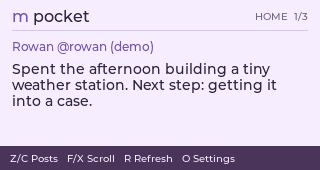
Read your feeds.
One post at a time. Scroll the long ones, move to the next, or switch to your local feed.
A few keys worth knowing
- Z C
- Previous / next post
- F X
- Scroll through a post
- R
- Refresh the feed
- T
- Switch home / local
The Mac emulator includes newer features, including likes and remembered login. The device beta may differ.
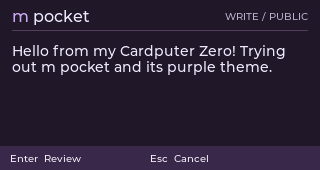
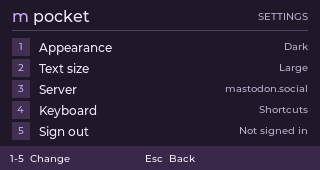
Write and customize.
Write a public post, change the text size, or switch the theme when the room gets darker.
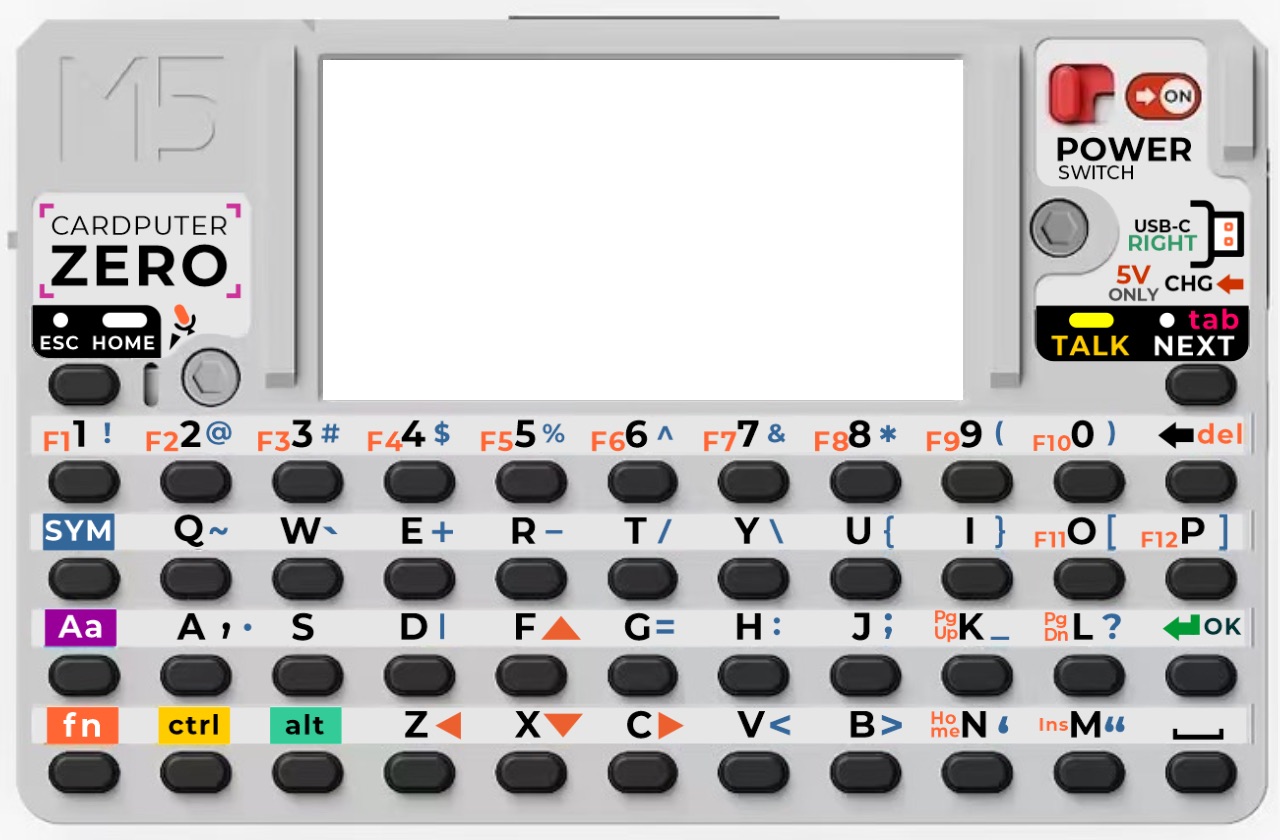
Press N to write, O for settings. Your post gets a review screen before it’s sent.
Install and sign in.
Choose a Mastodon server and sign in from your phone. No password to type into the Cardputer, and no authorization code to copy back.
Get the beta on GitHub- 01Install the package
Download the Linux ARM64
.debfrom GitHub and install it on a Cardputer Zero. - 02Choose your server
Connect to Wi-Fi, open M-Pocket, and press S to pick your Mastodon server.
- 03Scan the QR code
Press L, scan with your phone, and approve access. M-Pocket finishes signing in.
The device beta passed automated checks but still needs testing on real Cardputer Zero hardware. It’s not for the original ESP32 Cardputer or Cardputer ADV.
Full installation instructions ↗Source code.
M-Pocket is an independent, MIT-licensed project. You can read the source, report a problem, or make your own version.
Visit the GitHub repository ↗